
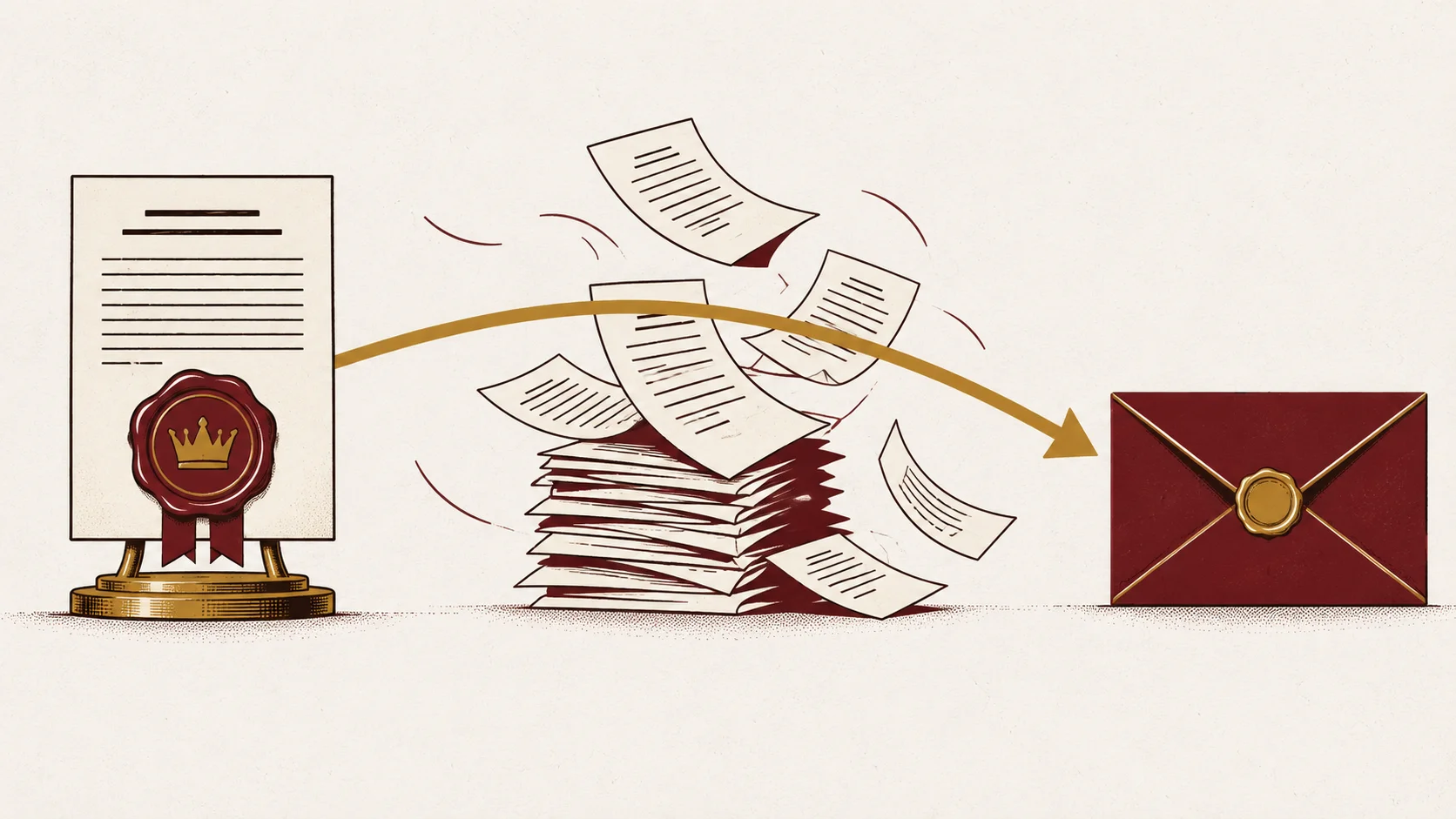
A review step feels like control. It only is control if the thing you looked at is the thing that went out the door. I learned the difference inside my own content workflow, and the lesson applies to any automation a business lets send, post, price, or file on its behalf.
The workflow in question ran end to end. Material came in, a model turned it into a draft, images were produced, a review screen put approve and reject buttons in front of me, and approved work published. From the outside it looked finished.
Then I tried to answer a plain question about a published piece: what exactly did I approve, and is that what went out? I could not answer it. Not because something had gone wrong, but because the system was never built to be able to tell me.
Why a review button can quietly mean nothing
The workflow kept its state in editable records. Approving a draft wrote down my decision. Publishing, later, read whatever was in those records at the moment it ran. If anything regenerated the draft between those two moments, the version that shipped was not the version I had read, and nothing anywhere recorded the swap.
That shape is common in small business tooling, and it has nothing to do with AI specifically. A quote approved on Monday and emailed Thursday from a record somebody edited Wednesday has the same gap. So does an invoice, a schedule, a client letter, or a social post. Approval changed a status. It did not preserve the thing being approved.
The takeaway is uncomfortable and useful: if you cannot produce the exact item a person signed off on, you do not have an approval step. You have a timestamp.
Approval should freeze the work
The rebuild was built around one rule. Approval saves a copy of the reviewed item, and the sending step reads that saved copy rather than the live record. If the saved copy is missing, the run stops and asks for another review. It never falls back to the newest available version.
Current work stays current work, free to be edited, replaced, and improved. A separate record holds what was actually approved and what was actually sent. Editing the draft again cannot rewrite that history.
For an owner, this is the question to put to whoever builds or sells you an automated workflow: at the moment somebody approves, what gets saved, and what does the sending step read?
A reporting step is not a gate
The same workflow had a second problem that I had been describing as a quality gate for months. A checking step would examine a draft, list its problems, mark it as failed, and save it anyway. Nothing further down the line paid attention to the failure. It was a report wearing the word gate.
Now a real problem stops the run. Work that fails a check does not move to the next step at all, and the refusal comes from the plumbing rather than from an instruction written in a prompt or a warning printed on a dashboard.
That is the general principle worth taking into your own shop. A rule described in text is a suggestion. A rule enforced by a step that refuses to continue is a rule. If a dashboard shows red while the work proceeds, nobody is holding the line.
Five questions for any workflow you let act for you
These are the checks I now reuse whenever the workflow changes. They are short enough to ask in a meeting and specific enough that vague answers stand out.
Can you identify the exact item that was put in front of a person for review? Does approval preserve that item independently of later edits? Does the sending step consume the preserved version rather than the live record? Will a missing item stop the run instead of triggering a substitute? Can you compare what was reviewed against what was finally sent?
Five yes answers mean your approvals are real. Any no is a place where your name is on work you cannot see.
What this is worth to the people doing the work
None of this exists to take review away from a person. It exists so that review is worth the time it costs. When approval freezes the work and a failed check genuinely halts the line, the person reviewing is making a decision that holds instead of waving at a screen. Their judgment becomes the thing the system is built around, and they can defend it afterward with the record in hand.
The workflow could already publish before any of this. What the rebuild added was the ability to prove that the thing approved was the thing that shipped. That is the part worth asking for.
The first step
If an automation in your business sends, posts, prices, or files anything after a person clicks approve, pick that one workflow and ask the five questions above. You can request an assessment and we will map it end to end, including where approval currently stops being a control.